
Tesla Powershare Home Backup: Installation Requirements
Planning Tesla Powershare in Austin? Check vehicle eligibility, Tesla energy equipment, service capacity, backup loads, and site layout before you buy.
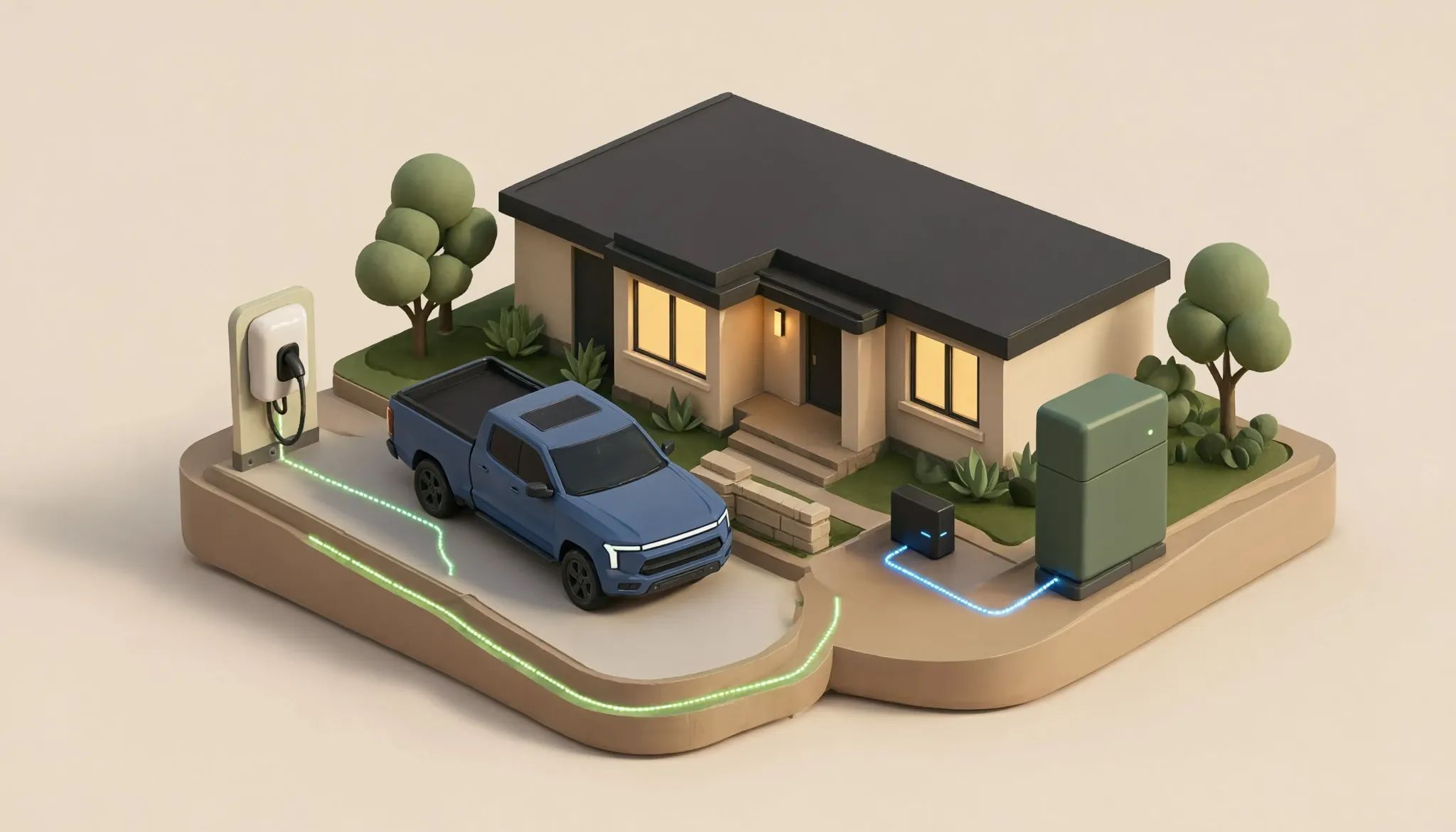
Powershare support is a setup decision before it is a hardware purchase.
Start with the exact vehicle, current software, Tesla energy hardware, service and panel layout, parking location, meter, solar, and Tesla's current setup list because one changed input may change the hardware path.
That is why another owner's Powershare project can't prove what your Austin-area home needs.
Tesla's current Powershare support page says the standalone path without Powerwall requires a Powershare Gateway and Universal Wall Connector. Existing home-energy equipment can change the required path.
Quick answer: who should investigate Powershare Home Backup?
A Cybertruck owner should consider Powershare Home Backup when the goal is to use energy from a supported vehicle for selected home loads during a grid outage.
Tesla's current Powershare System Overview names three core parts for the standalone setup:
- Powershare Gateway
- Universal Wall Connector
- A Powershare vehicle inverter, currently shown in the manual with Cybertruck
That isn't the only setup Tesla lists, since a home with Powerwall follows a different path and the current Energy Library says not to install a Powershare Gateway with a Powerwall system.
The hardware list depends on the home. Confirm the current Tesla setup during design, then check it again before the install and system setup.
Keep the category straight
Powershare Home Backup uses a supported vehicle as the energy source. It isn't a home battery, and it isn't a generic generator comparison.
A battery review begins with installed storage and the loads it serves, while a Powershare review also asks whether the vehicle is present, connected, supported, updated, and free for backup use.
Ask what the household wants to keep available during an outage. Then ask whether the vehicle will normally be home and connected when that outage occurs.
The answers shape the system without creating a runtime promise because vehicle energy, home load, driving needs, software, hardware state, and other conditions can change the result.
The useful question is: which current Tesla setup can connect this exact vehicle to this exact home's backup plan?
Homes without Powerwall follow the Gateway path
Tesla's Supported System Configurations page accessed on August 4, 2026 lists an available setup with Powershare Gateway and Universal Wall Connector.
The same page lists another available setup with a supported Backup Switch. It also lists a solar setup with added metering and an optional Backup Switch.
That doesn't make the Backup Switch optional for every house. The service, meter, utility, backup scope, and Tesla design decide whether it belongs.
The installer must identify:
- Service, meter, panel, and backup-load-panel layouts
- Gateway and Universal Wall Connector locations
- Whether a current Tesla-supported Backup Switch path fits the site
- Routes between the parking position and power hardware
- Solar, third-party backup hardware, and metering needs
Tesla's manual shows several whole-home and partial-home diagrams, but it says they aren't a full list of allowed setups and should guide trained electricians rather than homeowner wiring work.
Homes with Powerwall follow a different path
This is the most volatile part of the decision.
Tesla's current setup page lists a Powerwall backup system with a Gen 3 or Universal Wall Connector on a separate path. It says this path doesn't need more Powershare hardware or install steps.
The table labels the Powerwall setup “Can be installed now, Powershare feature coming soon,” and Tesla says a software update will turn on the feature.
Installed hardware and an active feature aren't the same claim.
Don't promise that an existing Powerwall system can use Powershare today. Don't add a Powershare Gateway to a Powerwall design. Tesla's manual says the two don't work together.
For a home with Powerwall, record:
- Powerwall model and quantity
- Backup Gateway or Backup Switch model
- Wall Connector model and generation
- Current system software state
- Solar equipment, if present
- Tesla account ownership and product visibility
- Current Tesla support shown for the exact system
Then check Tesla's current support language because software and supported product sets may change after this article's access date.
The Universal Wall Connector is part of the standalone system
Tesla's current Powershare manual names Universal Wall Connector in the standalone Gateway setup. It handles vehicle charging and takes part in Tesla's two-way power system.
This doesn't make every Universal Wall Connector install Powershare-ready. Circuit placement, part number, Gateway path, software, metering, and vehicle support still matter.
It also doesn't mean a standard Wall Connector can replace the Universal unit in this path. The current manual controls the hardware choice.
For Powerwall setups, Tesla's table names Gen 3 or Universal Wall Connector. Keep those paths separate when gathering hardware details.
If you are comparing charging hardware outside the Powershare path, see AltoService's Wall Connector versus Universal Wall Connector guide. Powershare requirements still follow Tesla's current system configuration.
Record model and part information, not “Tesla charger.”
Screen the vehicle and home before planning hardware
Vehicle and account inputs
Collect:
- Vehicle model, trim, and model year
- Current vehicle software version
- Tesla app version and account access
- Whether Tesla currently shows Powershare support for the vehicle
- Normal state of charge when the vehicle is parked at home
- Whether the vehicle is owned, leased, or controlled by another account
The current Energy Library names Cybertruck in the supported-vehicle row, but Tesla may change models, trims, software, or support, so check the exact vehicle on the review date.
Existing home-energy inputs
Record the Powerwall count and model, Backup Gateway or Backup Switch model, solar hardware, any generator or third-party battery, Wall Connector part number, and Tesla meter hardware. Third-party backup gear can change the plan, so don't assume it can stay or connect without current Tesla guidance.
Home and site inputs
Provide:
- Full property address
- Clear photos of closed service and panel hardware
- Panel directories
- Meter location
- Proposed Gateway and Wall Connector areas
- Parking position and vehicle orientation
- Approximate route between the vehicle and power hardware
- Notes about outdoor exposure, drainage, and impact risk
- The loads the household wants included in the backup plan
Don't remove covers or open hardware for photos because Tesla's Powershare manual says a competent Tesla-certified electrician trained in low-voltage work must handle the install.
Panel rating matters, but it isn't the only limit
A panel label alone can't answer Powershare support.
The plan may involve service hardware, a backup-load panel, Gateway, a Backup Switch option, solar, metering, and links between parts.
An electrician must check how the setup fits the home. The U.S. Department of Energy's home-charging guidance says charging work must follow local and state rules, and permits may apply.
The Austin area has several cities, utilities, and permit offices, so the address decides which groups to check rather than an Austin mailing address alone.
If the review finds a panel or service limit, AltoService's panel upgrade service explains that work. Powershare doesn't always require a panel upgrade.
Confirm the applicable Texas licensing, permit, and utility requirements for the property before work begins. TDLR says non-exempt electrical work in Texas must be licensed and performed through a licensed electrical contractor.
Solar and backup loads need explicit review
Solar presence doesn't create one standard Powershare design.
Tesla's current setup page lists a Powershare path with limited solar, a Tesla Remote Meter, and an optional Backup Switch. The page also sets rules for the backup circuit and safety devices.
Those rules are for the electrician, not DIY work. Share the solar inverter model, system size, grid-connection details, and photos of closed hardware. Ask which Tesla setup applies and which home loads it can cover.
“Whole home” and “partial home” mean different scopes. Neither proves that every load can run at once. The load plan and supported design decide what belongs.
Install and system setup are one job
Tesla splits the work into Gateway, optional Backup Switch, Universal Wall Connector, metering, and system setup, while the electrician must coordinate hardware, placement, home wiring, links between parts, and Tesla's current setup rules. Final checks should match the installed system to Tesla's current documents for the home.
Current details can move:
- Supported vehicle models and trims
- Software requirements
- Powerwall feature availability
- Gateway and Backup Switch roles
- Solar and third-party backup support
- Metering requirements
- Utility conditions
- Tesla setup steps
- Product contents and stock
Check those points when the final design gets approval, then check them again before system setup if time has passed or software has changed.
Tesla product and support sources in this article were last checked August 5, 2026. Verify current Powershare support before equipment is ordered or installation scope is finalized.
Common questions
What equipment is needed for Powershare Home Backup?
For the current standalone path, Tesla lists Powershare Gateway, Universal Wall Connector, and a supported vehicle. Some setups add a Backup Switch and metering. A home with Powerwall follows a separate path and should not receive Powershare Gateway.
Does Powershare require Universal Wall Connector?
Tesla's standalone Gateway setup names Universal Wall Connector. Its Powerwall table names Gen 3 or Universal Wall Connector. Check the path for the exact home rather than copying one hardware list to another.
Can Powershare work with an existing Powerwall?
Tesla's manual lists a Powerwall setup but labels the Powershare feature as coming soon through a software update. Don't promise active support. Check Tesla's current status for the exact system.
Does a home's panel rating affect eligibility?
Yes, but the rating is one input. Service layout, panel condition, power available, backup scope, hardware locations, solar, metering, and Tesla setup also matter.
Can solar work with Powershare Home Backup?
Tesla lists a solar setup with set hardware and design rules. The electrician must check the solar system and backup circuit against Tesla's current rules.
Does Powershare require professional installation?
Yes. Tesla's manual says a competent Tesla-certified electrician trained in low-voltage work must handle the install.
Request a Powershare assessment
AltoService installs Tesla products and specializes in home EV work. A Powershare review should cover the vehicle, software, Tesla hardware path, Powerwall or solar gear, service and panel condition, parking, metering, and backup-load goal.
Review AltoService's Tesla charger installation service, confirm Austin-area service coverage, then send the current vehicle and home setup.
Include exact models, software versions, Tesla energy hardware, closed-panel photos, meter location, parking position, and the loads you want considered. AltoService will check the current setup rather than promise that every home, vehicle, or Tesla system qualifies.